Adding a Launcher
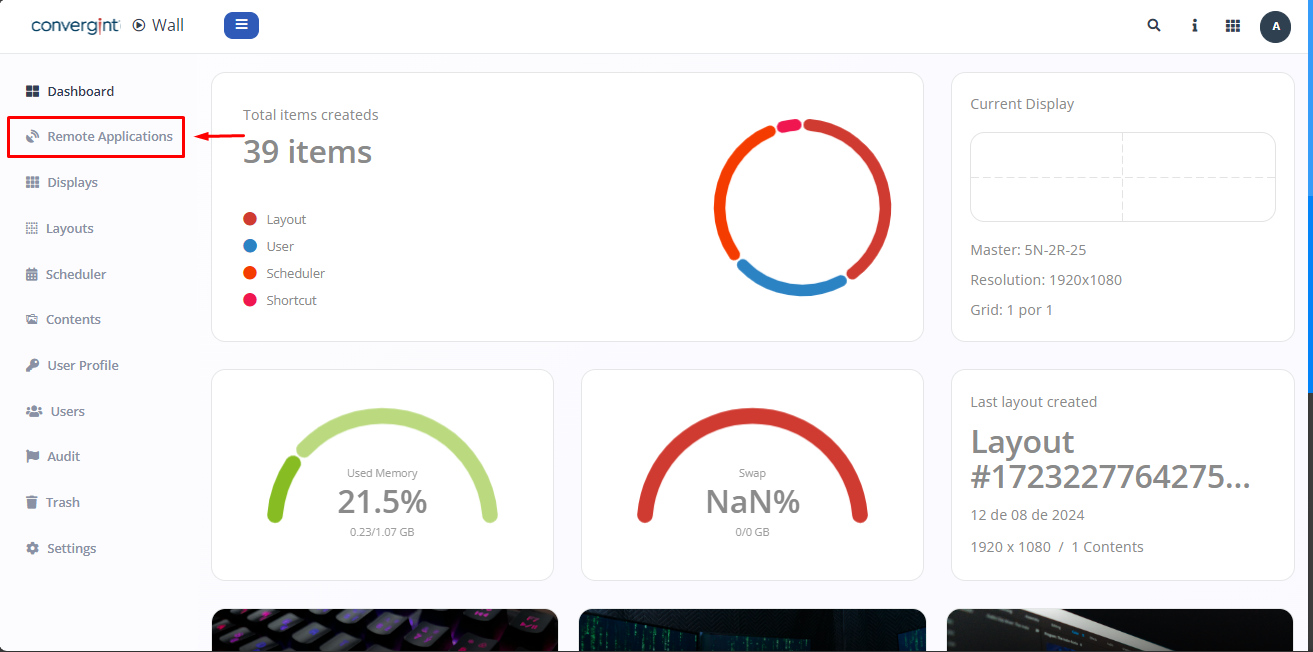
The first step in adding a launcher is to access the "Remote Application" tab, as shown in the following image. Once there, you can create the application you want to run on the displays, making it possible to change its size and position in the screen layout, as well as adding all its components as shown in the following image.
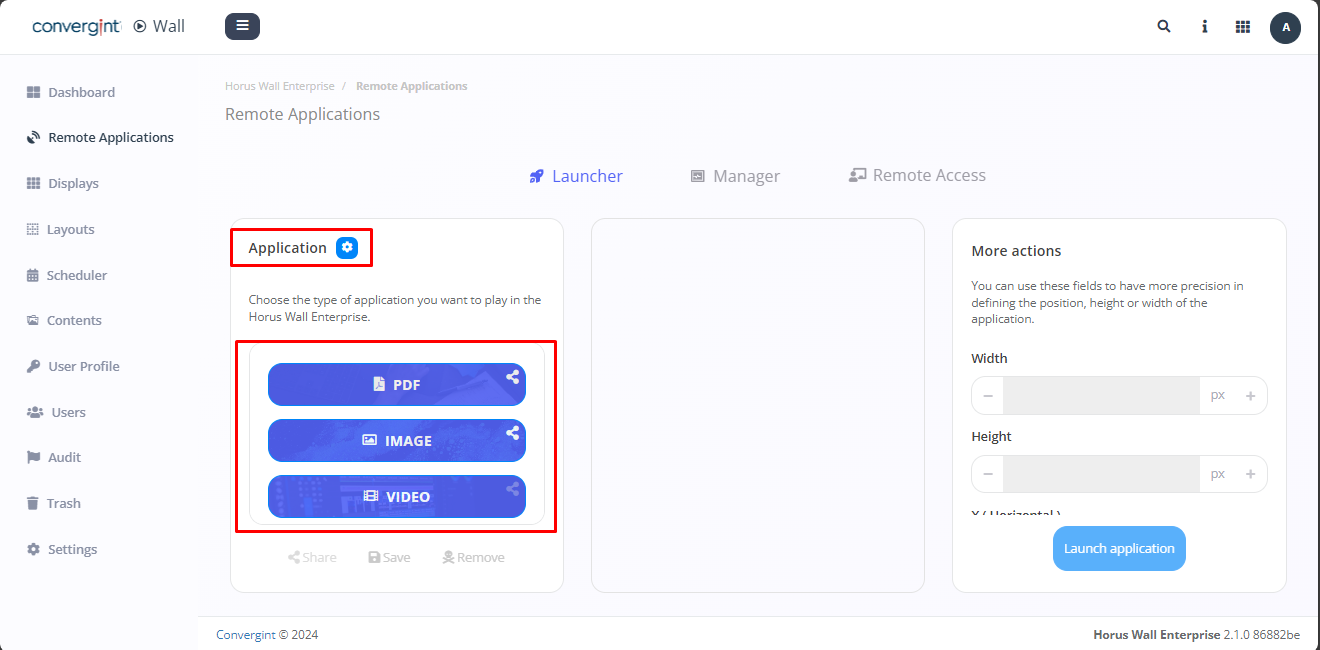
Next, choose the type of application you want to play on the Horus wall (highlighted).
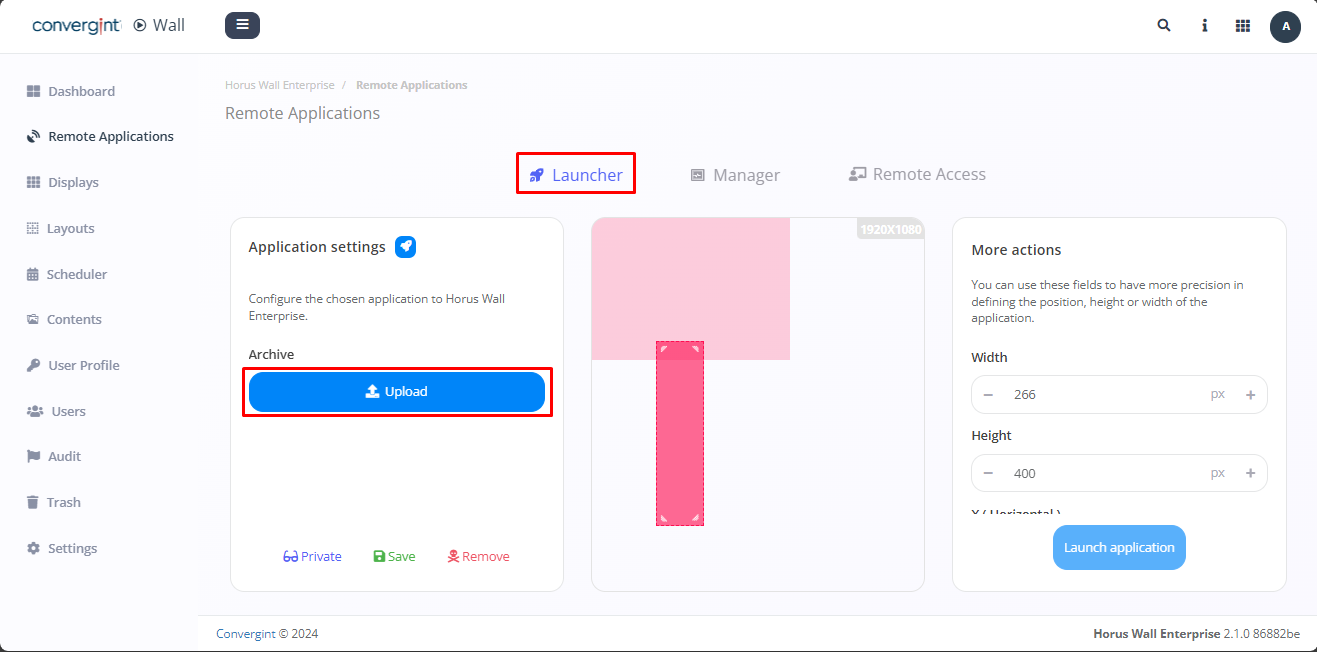
After selecting your choice in the image above, click on "Upload" (highlighted) to acquire the application you want.
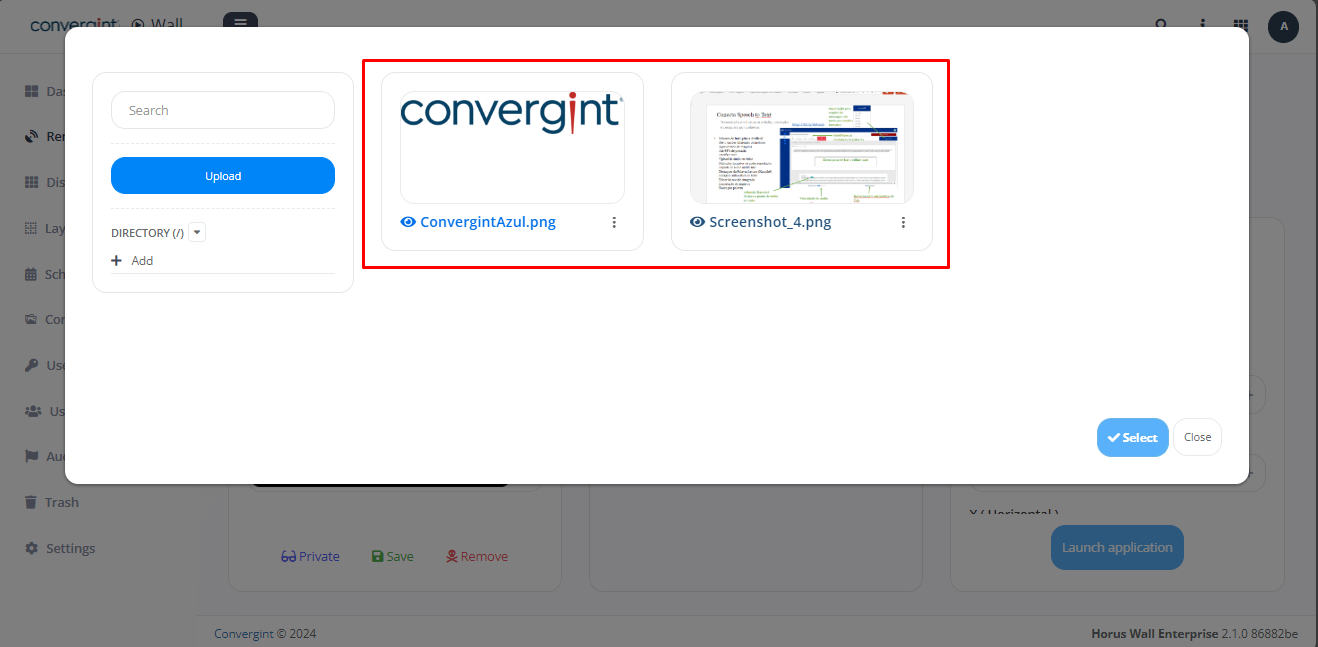
Following the previous steps, an option will appear to upload what you want (highlighted).
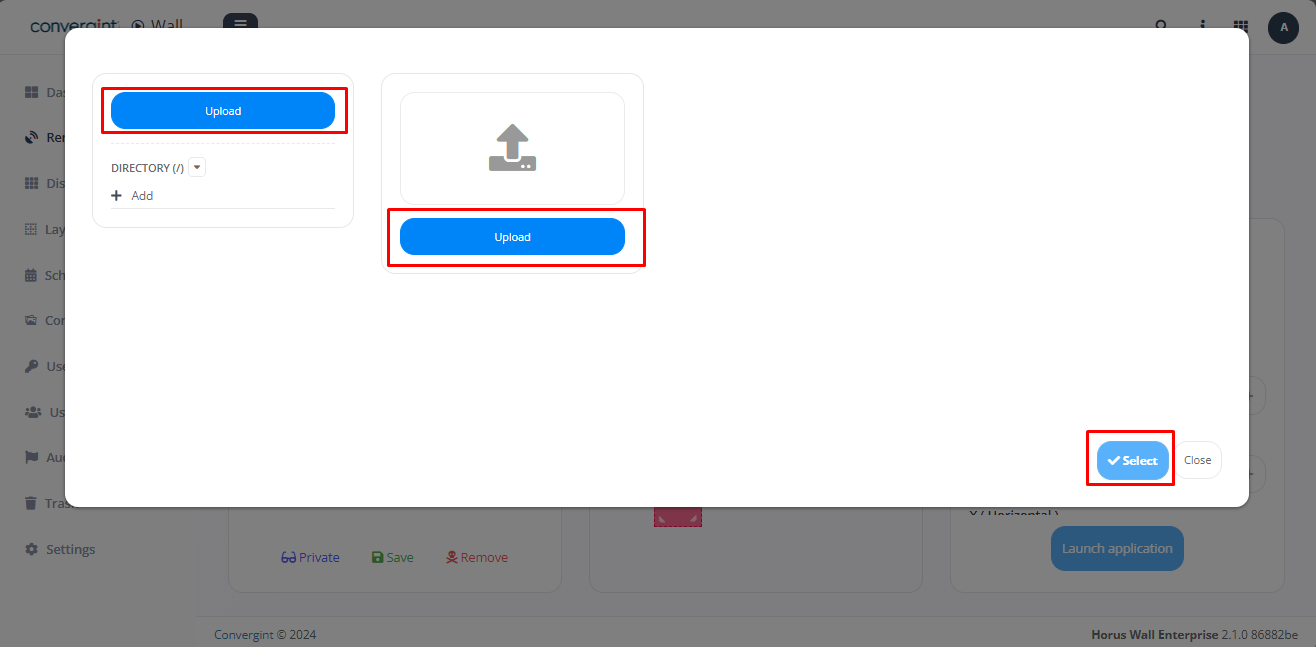 That's it, the image you want will be available after uploading (highlighted).